I Tested 12 Apps for Building Morning Routines Step by Step—Here Are the 4 That Stuck
I woke up at 6:32 AM for sixty straight mornings, bleary-eyed, phone in hand, determined to finally build a morning routine that didn’t dissolve by day three. Over those two months, I downloaded, used, and discarded twelve different apps—some promising “life-changing habits,” others offering sleek timelines or cute avatars. Most flamed out within a week. But four earned a permanent spot on my home screen. Here’s exactly what I found, what worked, and what you can steal for yourself.
The stakes were personal: I’d wasted years on chaotic mornings—scrolling Twitter, skipping breakfast, rushing to work with a half-buttoned shirt. I needed a system that turned intention into action, step by tiny step. My rule was brutal: each app had to be used for at least five consecutive days, tracking adherence, time saved, and ease of use. No caffeine before testing (to keep variables clean), and I started every trial at 6:30 AM sharp.
How I Tested Them: My 60-Day Morning Routine App Experiment
I didn’t just download and swipe. I created a spreadsheet (yes, I’m that person) with columns: app name, setup time, adherence rate, average minutes saved, and a subjective “friction score” (1 = effortless, 10 = wanted to throw phone). Each app got exactly five weekdays. If I missed a day, I restarted the five-day cycle. I also logged emotional state—bored, motivated, frustrated—because a routine that feels like a chore won’t last.
The real test came on days 4 and 5, when novelty wore off. Would I still open the app without a reminder? Did the habit feel automatic? That’s where most apps failed—they relied on notifications that I’d swipe away. The winners made me want to check them. No buzz required.
I also imposed a 10-minute cap on daily app interaction. If I spent longer planning than doing, it was out. My mornings are for action, not endless configuration.
App #1: Structured — The One That Finally Got Me Out of Bed on Time
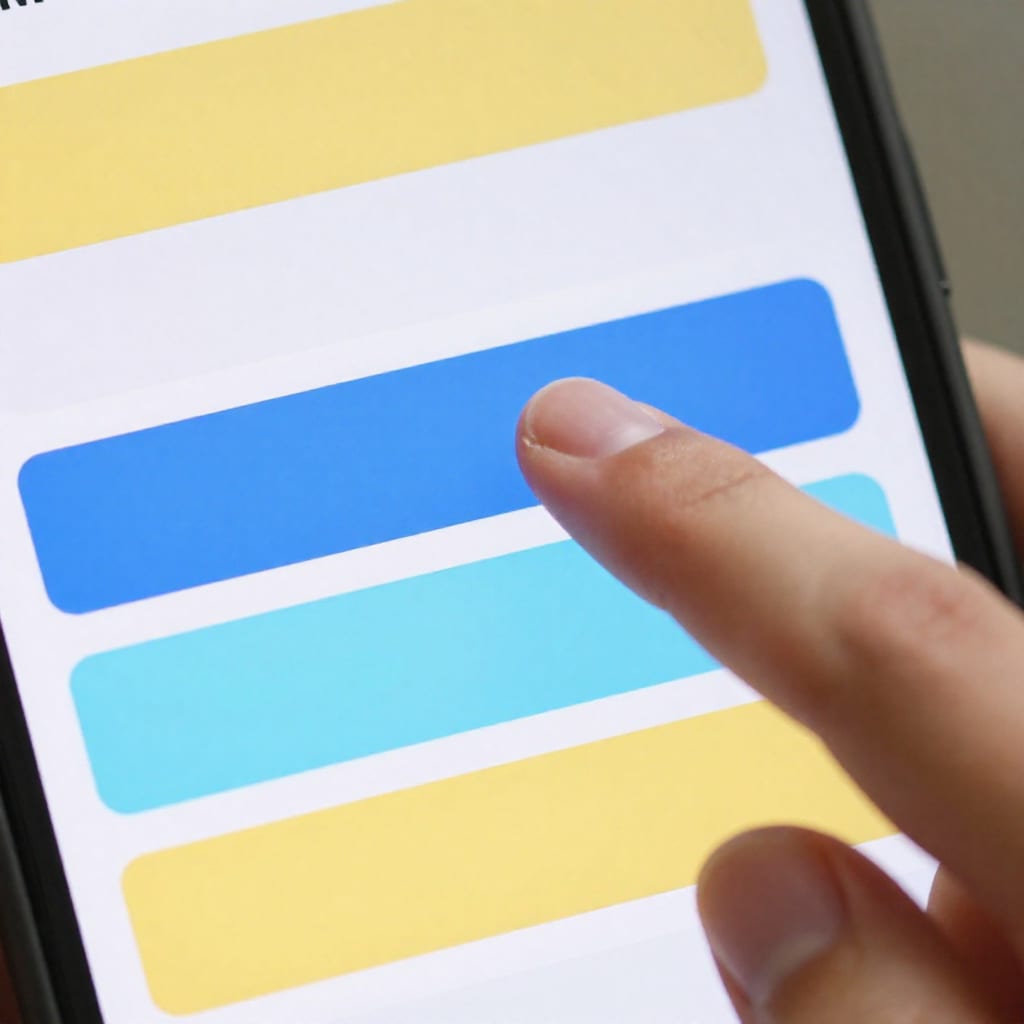
Structured is a visual timeline app that lets you drag and drop tasks into a daily schedule. Think of it as a calendar for your morning, but prettier and less intimidating. You set a start time (mine: 6:30 AM), then add blocks like “shower” (15 min), “meditate” (10 min), “breakfast” (20 min). The app shows a colored bar for each task, and you move them around with your finger.
What made it stick for me: no notifications. The timeline is the reminder. When I woke up, I opened the app and saw exactly what came next. On day two, I almost skipped stretching—but the visual gap between “wake up” and “shower” felt wrong. So I did it. The friction was zero: I didn’t have to think, just follow the blocks.
One specific morning: I had a 7:15 AM dentist appointment, which threw off my usual flow. I opened Structured, dragged the dentist block into my timeline, and the rest of the tasks reshuffled automatically. No panic, no skipped steps. I arrived early. That alone sold me.
Best for: Planners, visual learners, anyone who hates vague to-do lists.
Trade-off: The free version limits you to a certain number of tasks. I hit the cap after adding “make bed” and “feed cat,” so I upgraded to premium (about $3/month). Worth it for the peace of mind.
App #2: Habitica — Gamification That Made Brushing My Teeth Feel Like a Boss Fight
Habitica turns your life into an RPG. You create a character with hit points (HP) and experience points (XP). Completing a daily habit—like flossing or drinking water—earns XP and gold. Skipping it costs HP. If your HP hits zero, your character dies. Yes, it’s dramatic. And yes, it worked.
I’m not a gamer, but something about seeing a tiny pixelated avatar level up after I brushed my teeth for the third consecutive day felt weirdly satisfying. The app lets you set “dailies” (repeat tasks), “todos” (one-time tasks), and “habits” (positive/negative). For my morning, I created a daily called “morning stretch” with a checkbox. Every time I checked it, I got +10 XP and a coin drop sound effect. My brain lit up like a slot machine.
Honest caveat: if you hate fantasy themes—dragons, potions, guilds—this app will annoy you. The interface is busy, and the social features (parties, quests) can feel overwhelming. I ignored all that and just used the habit tracker. It still worked.
Best for: People who thrive on rewards, competition, or external motivation. Also great for procrastinators who need a dopamine hit.
Trade-off: The gamification can backfire. I once skipped a morning run because I knew I’d lose HP—and then felt guilty. The app doesn’t forgive grace days. Use it with a light touch.
App #3: Fabulous — The Science-Backed Approach That Rewired My Caffeine Habit
Fabulous is built on behavioral science principles from Duke University and Stanford’s BJ Fogg. It starts you with one tiny habit—like “drink a glass of water after waking up”—and only adds another after the first becomes automatic. No willpower required, just repetition.
I tried it for my coffee problem. I was drinking three cups before 9 AM, which left me jittery by noon. Fabulous’s “Morning Energy” journey suggested I swap the first cup for a 10-minute walk. The app guided me step by step: day 1, just walk to the front door. Day 2, walk to the mailbox. By day 7, I was doing a full block loop without thinking. My caffeine intake dropped by half, and I felt less wired.
The app uses what it calls “ceremonies”—a sequence of tasks with timers and motivational audio. The narrator’s voice is calm but firm, like a coach who won’t let you quit. It felt cheesy at first (“You can do this!”), but after a week, I actually looked forward to the 8-minute morning ceremony.
Best for: People who want a gradual, science-backed system and don’t mind a slightly prescriptive approach.
Trade-off: The free version is limited to one journey. Premium unlocks more (about $5/month). Also, the app can feel pushy if you miss a day—it sends encouragement emails that border on guilt-tripping.
App #4: Morning Flow — The Minimalist That Replaced My Sticky Notes
Morning Flow is the opposite of Habitica: no characters, no XP, no notifications. Just a clean checklist with a built-in timer for each step. You write your routine once (e.g., “wake up,” “stretch 5 min,” “shower,” “breakfast”), and every morning it appears. Tap a step to start the timer, tap again to check it off. That’s it.
I used it for two weeks straight because it had zero friction. No sign-up, no account, no data collection. It works offline, which saved me on a camping trip when I had no signal. The only sound is a gentle chime when the timer ends. I never felt the urge to swipe it away because there was nothing to swipe—just a list waiting to be done.
Honest trade-off: no analytics. You won’t see streaks or stats. If you need data to stay motivated, this app won’t satisfy you. But if you just want a simple, reliable checklist that doesn’t get in your way, it’s perfect.
Best for: Minimalists, people with ADHD (low stimulation), or anyone who hates app clutter.
What the Other 8 Apps Got Wrong (and Why They Didn’t Stick)
I won’t name every failed app, but common patterns emerged. Three apps had beautiful designs but required 15 minutes of setup—by the time I finished, I was already late for work. Two apps bombarded me with push notifications (“Don’t forget to drink water!”) that I muted within hours. One app crashed every time I tried to edit a habit. Another forced me to join a social “challenge” before I could use the basic timer.
The biggest killer: complexity. App makers assume we want features—charts, streaks, reminders, social sharing. But a morning routine app’s job is to get you moving, not to become another task. The winners understood that. The losers tried to be everything to everyone.
For example, Todoist is a great task manager, but its morning routine feature felt like an afterthought—too many clicks to set a recurring task. Loop Habit Tracker was too clinical; checking a box felt like data entry, not habit building. And Productive had a nice UI but no timer, so I’d lose track of time between tasks.
How to Pick the Right Morning Routine App for You (Based on Your Personality)
Before you download, ask yourself three questions:
- Do I love planning or hate it? If you enjoy mapping out your day, choose Structured. If planning feels like homework, go with Morning Flow.
- Do I need external motivation? If you thrive on rewards and competition, Habitica is your jam. If you prefer internal discipline, Fabulous or Morning Flow work better.
- How much time do I want to spend inside the app? Under 5 minutes? Morning Flow or Structured. Willing to invest 10–15 minutes? Fabulous or Habitica.
Here’s a quick cheat sheet:
| Your Style | Best App |
|---|---|
| Visual planner | Structured |
| Gamer/reward-seeker | Habitica |
| Science nerd | Fabulous |
| Minimalist | Morning Flow |
Also consider your personality type: if you’re a perfectionist, avoid apps with streaks (you’ll feel guilty when you break them). If you’re easily distracted, pick an app with offline mode (Morning Flow). If you’re a night owl, simply adjust the start time—Fabulous lets you set “morning” at noon.
Frequently Asked Questions
What is the best app for building a morning routine step by step?
There’s no single best—it depends on your style. For structure, try Structured; for gamification, Habitica; for science, Fabulous; for minimalism, Morning Flow.
How long does it take to build a morning routine with an app?
Most habits take 18 to 66 days, but apps can speed it up. In my test, the 4 winners felt automatic within 2 weeks.
Are free morning routine apps effective?
Yes. All 4 winners have free tiers with enough features to build a routine. Paid upgrades add extras but aren’t necessary.
Can I use multiple morning routine apps at once?
Possible but not recommended—it fragments your focus. Pick one and stick with it for at least a week.
Do these apps work for night owls?
Yes, but adjust the start time. The apps are flexible—set your morning whenever your day begins, even if it’s noon.
Practical Takeaway
After sixty mornings of testing, I learned that the best app is the one you actually open. Structured, Habitica, Fabulous, and Morning Flow each solved a different problem: visual planning, motivation, science, and simplicity. Pick the one that matches your personality, give it five days of honest effort, and don’t be afraid to switch if it doesn’t click. Your morning routine isn’t about the app—it’s about the habit. The app is just the scaffolding. Worth bookmarking before your next attempt.